
The app that runs your session
Presets, remote preheat, live session control, and multi-device management. VOLTA runs fully standalone. The app adds features, it doesn't replace the device.
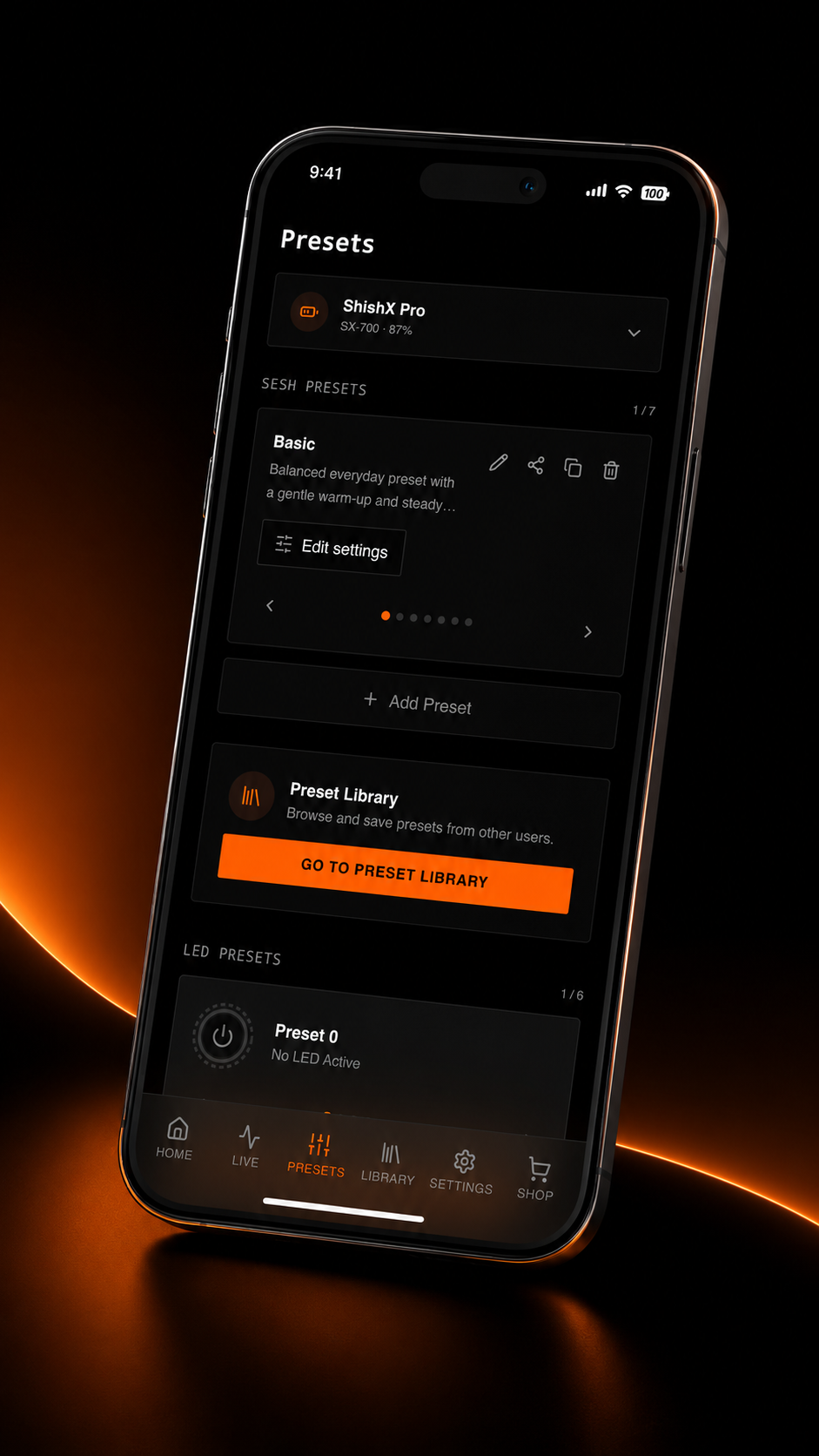
Built for the session
Multi-device control
Connect and control multiple VOLTAs over Wi-Fi at the same time. One phone, the whole floor.
Custom presets
Build your own heat curves and save them. Dial in a bowl once, run it the same way every time.
Preset library
Share your presets with other users, or download theirs. The library grows with the crew.
Remote preheat
Start preheat before you get home. Eight minutes later the bowl is ready.
Live session control
Adjust stages mid-session from your phone. No reaching over a hot bowl.
Custom screensavers
Put what you want on the OLED display. Your device, your screen.
More in every update
New presets, new controls, new display options.
How to get it
iPhone / iPad
- 1
Download SHX Browser from the App Store. It's free.
- 2
Open SHX Browser and go to shishax.app
- 3
Turn on Bluetooth and tap connect. Select your device from the list (VOLTA_xxxx).
- 4
Optional: once connected, add VOLTA to your Wi-Fi network in the app.
Bluetooth first, Wi-Fi after. Every VOLTA connects over Bluetooth, and that alone gives you full control when your phone is nearby. Once you're connected over Bluetooth, you can add VOLTA to your home Wi-Fi from inside the app. That unlocks remote preheat and multi-device control. VOLTA joins your existing network, so there's no separate device network to find. 2.4GHz only, 5GHz is not supported.
Questions
Something not connecting?
Our support portal has setup guides and fixes for the common issues. If you can't find your answer there, send us a ticket and we'll get to it.